Team members and roles
The Team tab, the difference between directors and staff, and how to change someone's role.
Updated
On this page
Team members are the people in your office who sign in to Caseglen. Each one has a role: Director or Staff.
What each role can do
Staff can do all the daily work:
- Add and edit clients, therapists, peers and case managers.
- Mark clients as onboarded, make people inactive and reactivate them.
- Build care teams.
- Log calls, and write, pin and delete their own notes.
- Create, edit, assign and finish tasks, and comment on them.
- Add task categories from the task form.
- Delete tasks they created.
- Change their own account settings.
Directors can do everything staff can, plus:
- Invite team members, change roles, and remove or give back access. (Team tab)
- Rename, recolor, reorder and delete task categories. (Categories tab)
- Change the agency name, time zone, morning email time, email detail, the "also email when done" list and the office Google Chat. (Organization & emails tab)
- Move a client back to potential.
- Delete clients, therapists, peers and case managers.
- Delete any task, comment, voice note, note or chat message.
The Team tab
- Click Settings → Team.
At the top right, the seats meter shows how many people have access, for example 4 active of 5 on your plan. The bar turns full when there's no room left.
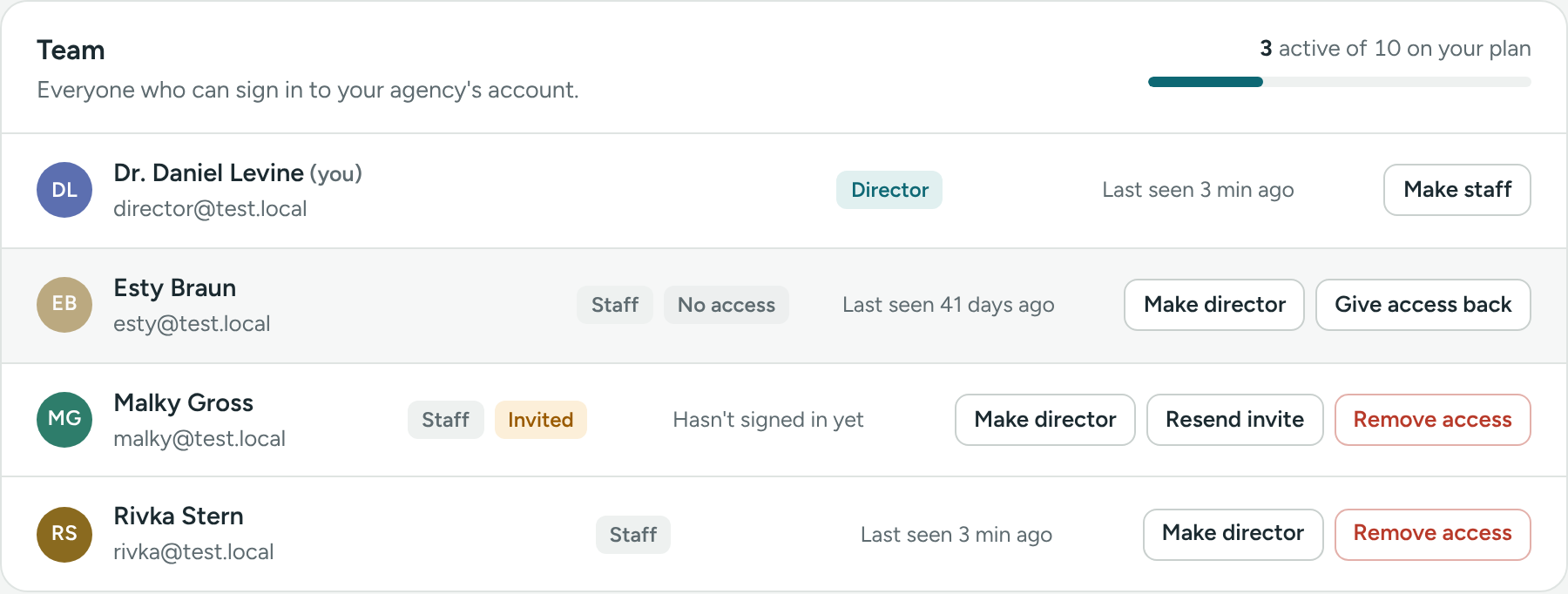
Each person has one row with:
- Their picture, name (with (you) next to yours) and email.
- A Director or Staff label.
- Invited if they haven't signed in yet, or No access if a director removed their access.
- Last seen, for example "Last seen 2 hours ago". Point at it for the exact date and time. "Hasn't signed in yet" means they never set their password.
- Buttons: Make director or Make staff, Resend invite (for Invited people), and Remove access or Give access back.
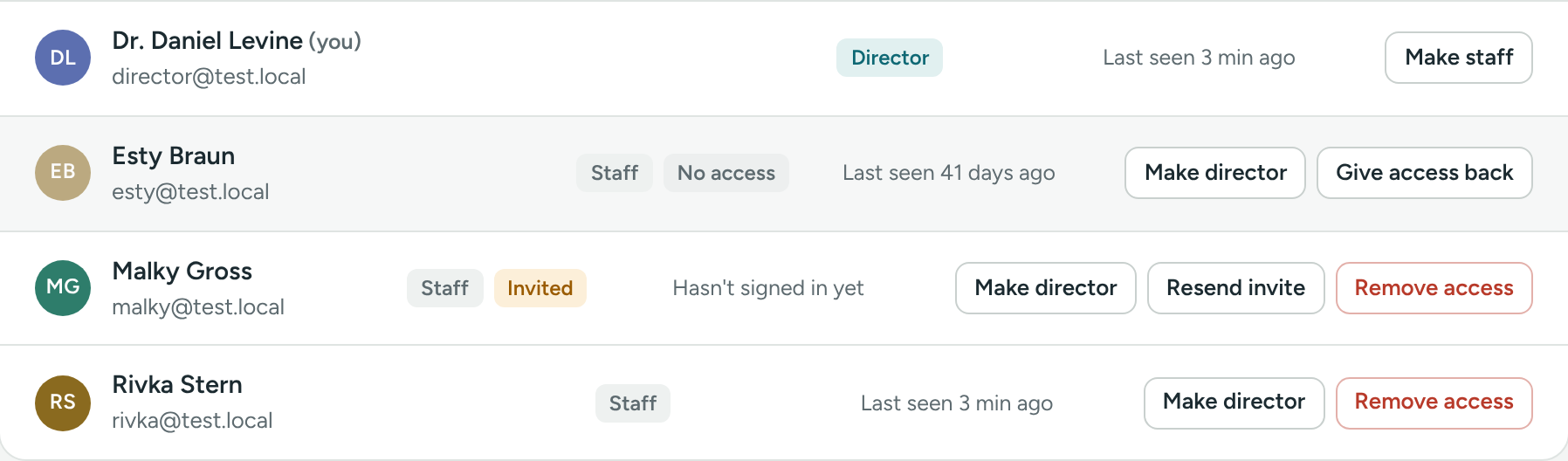
Change someone's role
- Go to Settings → Team.
- On their row, click Make director (or Make staff).
- Confirm.
You'll see, for example, "Dana Cohen is now a director."
Your agency must always have at least one director with access. If you're the only director, make someone else a director before you make yourself staff.
How many directors?
Most agencies have one or two directors (the clinical director and maybe an office manager) and everyone else as staff. Give the director role only to people who need to manage the team and settings.
Add or remove people
If something is unclear or doesn’t match what you see on screen, tell us and we’ll fix it.