Build a client's care team
Add a therapist, peer and case manager, see who's a good match, and remove someone.
Updated
On this page
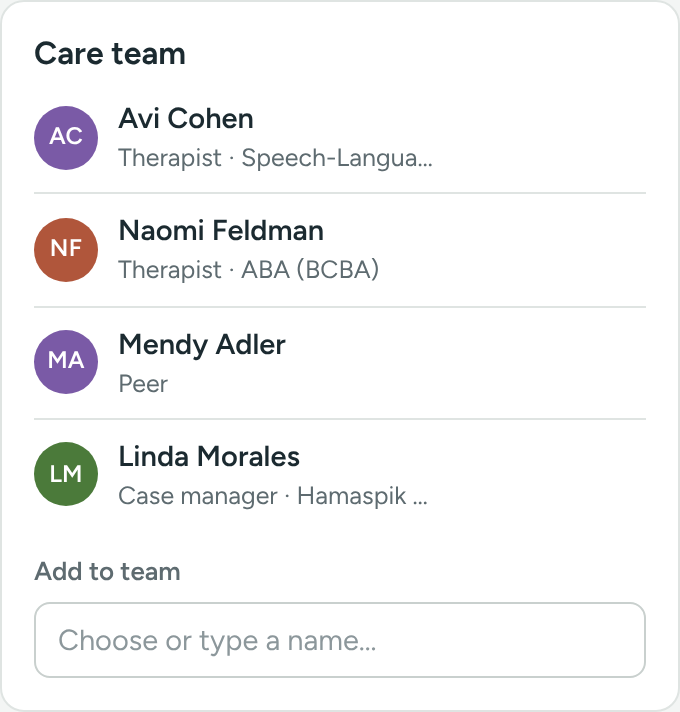
A client's care team is the group of professionals working with them: usually a therapist, a peer and a case manager. A client can have more than one of each.
The care team shows on the client's profile, on each member's profile, and on every task about the client.
Add someone to the care team
- Open the client's profile.
- Find the Care team card on the right.
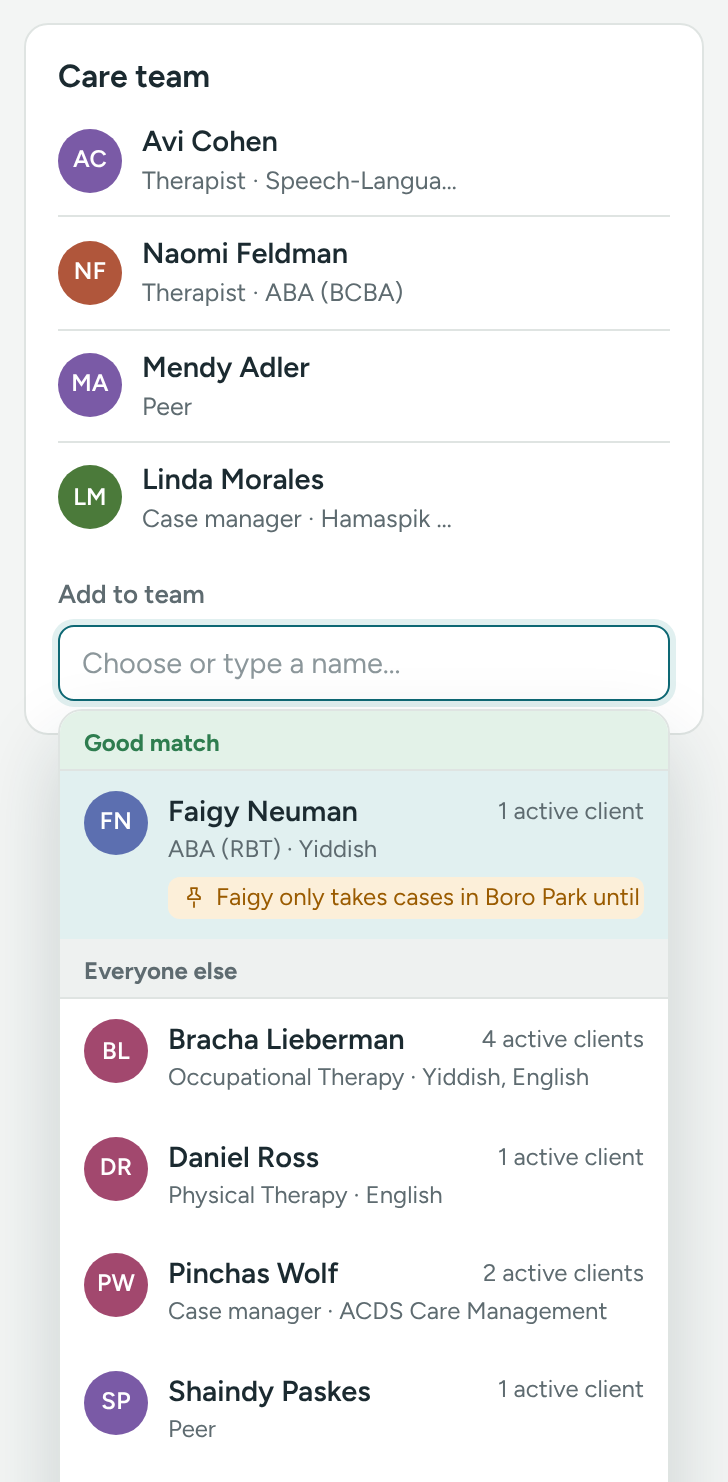
- Click in Add to team (Choose or type a name…). The list opens right away, even before you type.
- Look through the list, or type part of a name.
- Click the person. They're added right away.
What the list tells you
Each person in the list shows what you need to choose well:
- Good match at the top – therapists whose discipline matches the client's Services needed. Everyone else comes under Everyone else.
- Discipline (or role), and languages – handy when a family needs a Spanish- or Yiddish-speaking therapist.
- Caseload – for example 6 active clients, so you can see who has room.
- A pinned-note warning – if the person has a pinned note on their profile, it shows with a pin, for example "On leave until March". Read it before you add them.
People who are inactive are marked Inactive.
Remove someone
- In the Care team card, click the × next to their name.
- Confirm.
The person stays in Caseglen. They're just no longer linked to this client.
Call or email a team member
Each row has a phone and an email button. Click the name to open their profile.
Add the team while adding a client
In the Add client form, click Add a therapist, peer or case manager. Pick a Therapist, Peer and Case manager. They're linked as soon as the client is saved.
From the other side
On a therapist's, peer's or case manager's profile, the Clients card has an Add client box. Type the client's name and pick them. See See a therapist's caseload.
What the care team is used for
- On tasks: a new task about the client includes the care team. You can take people off under Also on this task. See Create a task.
- In logs: tasks about the client go into each member's log too.
- In emails: with Full details emails, the new-task email lists the care team with phone numbers.
Every change is written to both people's Log, for example "Assigned therapist Dana Cohen" on the client and "Assigned to client Sam Levy" on the therapist.
If something is unclear or doesn’t match what you see on screen, tell us and we’ll fix it.