Welcome to Caseglen
What Caseglen does for a therapy agency, and how the pieces fit together.
Updated
Caseglen is the operations desk for a clinical director and the office staff of a therapy agency. It keeps every client, therapist, peer and case manager in one place, with one task board that the whole office shares.
It replaces the sticky notes, spreadsheets and long email threads. When the phone rings, you can find the family in two seconds and see who is on their team.
What you can do
- Keep track of every client. New families start as Potential (a hollow ring) while you find a match. Once they are set up, you mark them as onboarded and they become Active (a filled dot).
- Know your people. Therapists, peers and case managers each have a profile with phone numbers, email, a log and the clients they work with.
- Build a care team. Link a therapist, a peer and a case manager to each client, so everyone knows who to call.
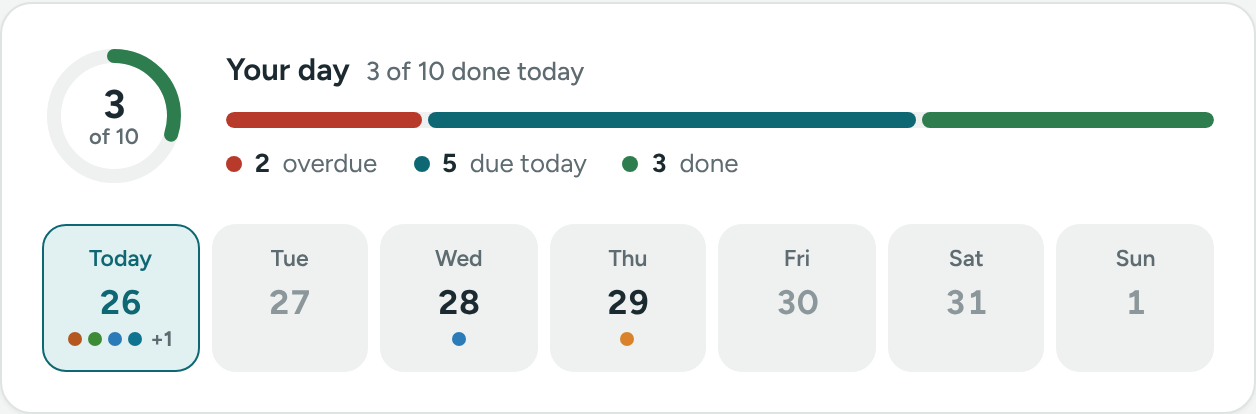
- Run the office from one board. Tasks move from Not started to In progress to Done. See them as a board, a list or a calendar.
- Save time on every task. When you create a task about a client, their phone, parent or guardian and care team come with it.
- Log every call. Each profile has a log of calls, notes, tasks and changes, with the date they happened.
- Talk as an office. The team chat keeps quick questions out of email.
- Stay on top of things without checking. Staff get an email when a task is assigned to them. Every morning, each person can get one email with what is due and what is overdue.
How it fits together
- People are the clients and professionals you work with. They don't sign in.
- Team members are your office staff. They sign in and do the work.
- Tasks connect the two: a task is usually about a person and assigned to a team member.
Your agency's data stays yours
Each agency has its own walled-off space. Nobody from another agency can see your clients, people or tasks. Read more in Privacy and security basics.
Where to go next
Was this helpful?
Contact usIf something is unclear or doesn’t match what you see on screen, tell us and we’ll fix it.